 Stellio
 Google Play
Parametric equalizer
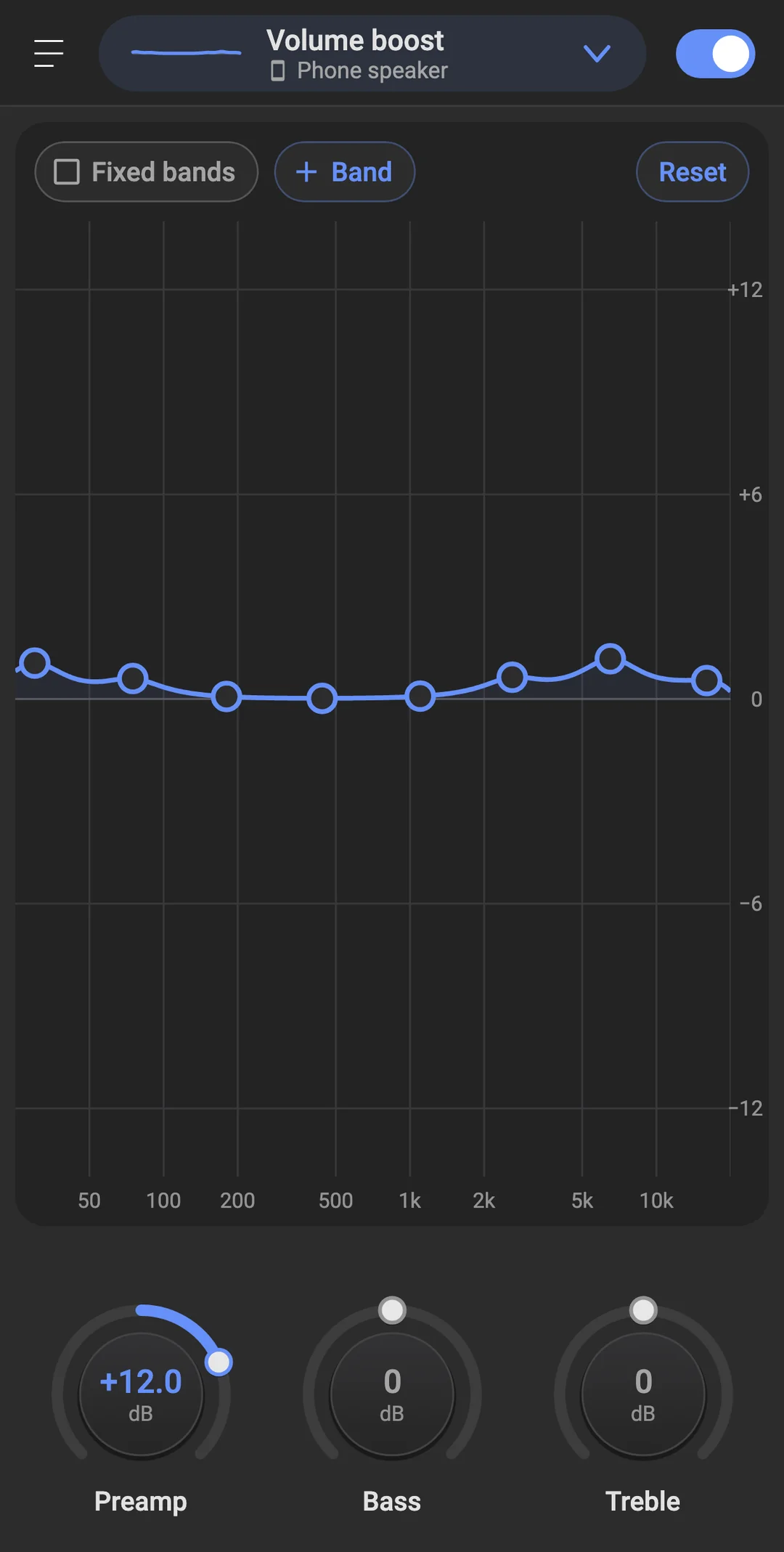
Studio quality, with Bass and Treble knobs and prebuilt presets for your headphones model.
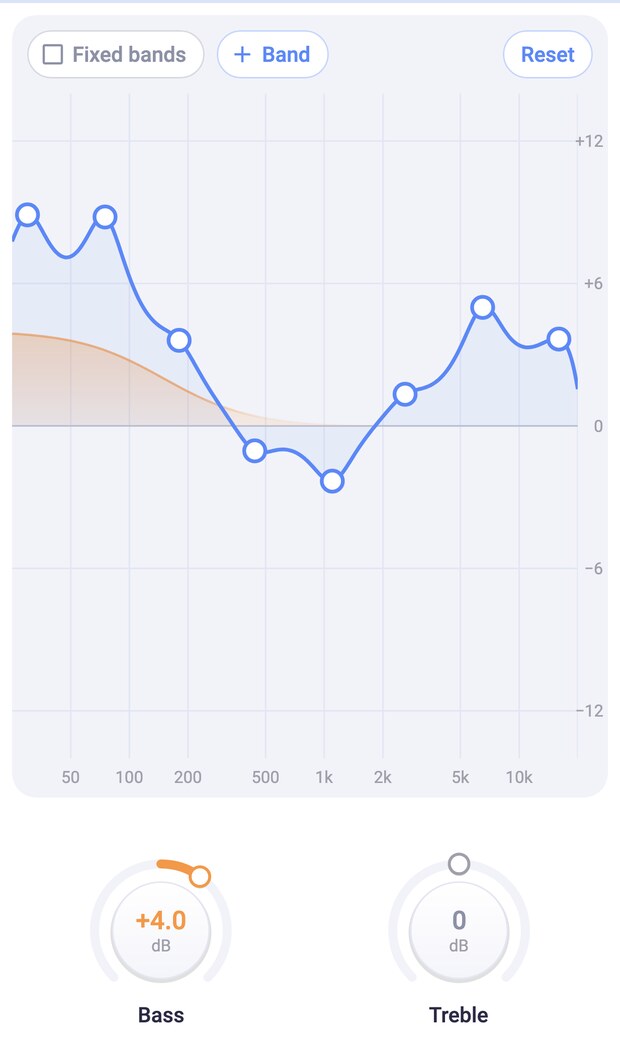
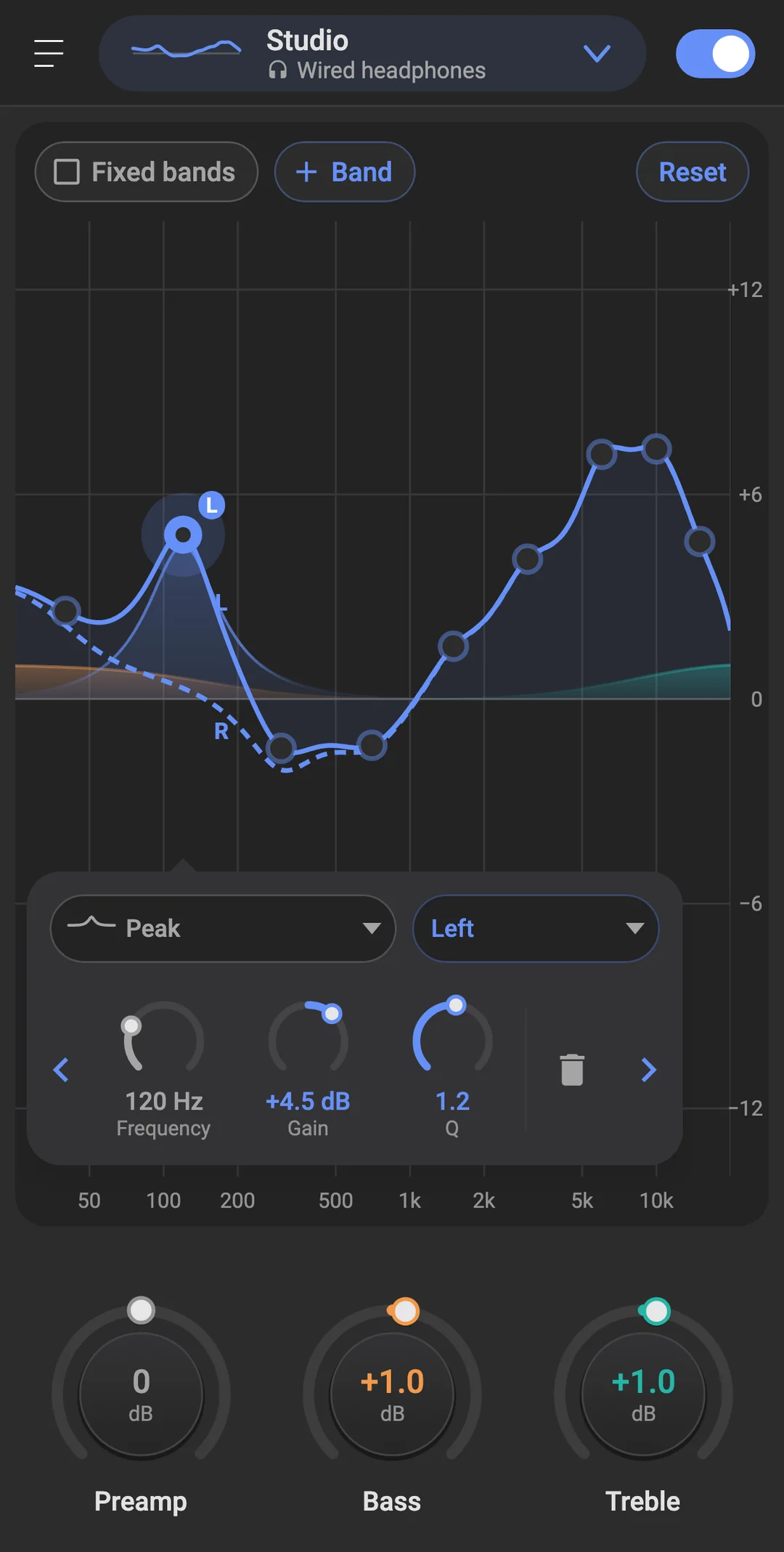
The equalizer in every player and app. Its own preset for each player. Bass, reverb, balance and volume control.
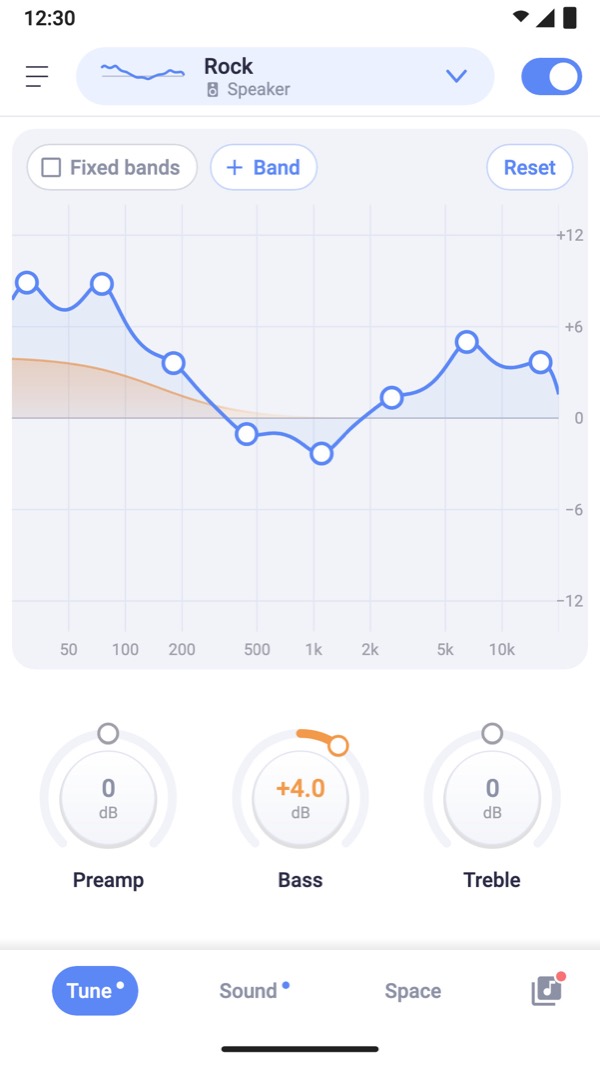
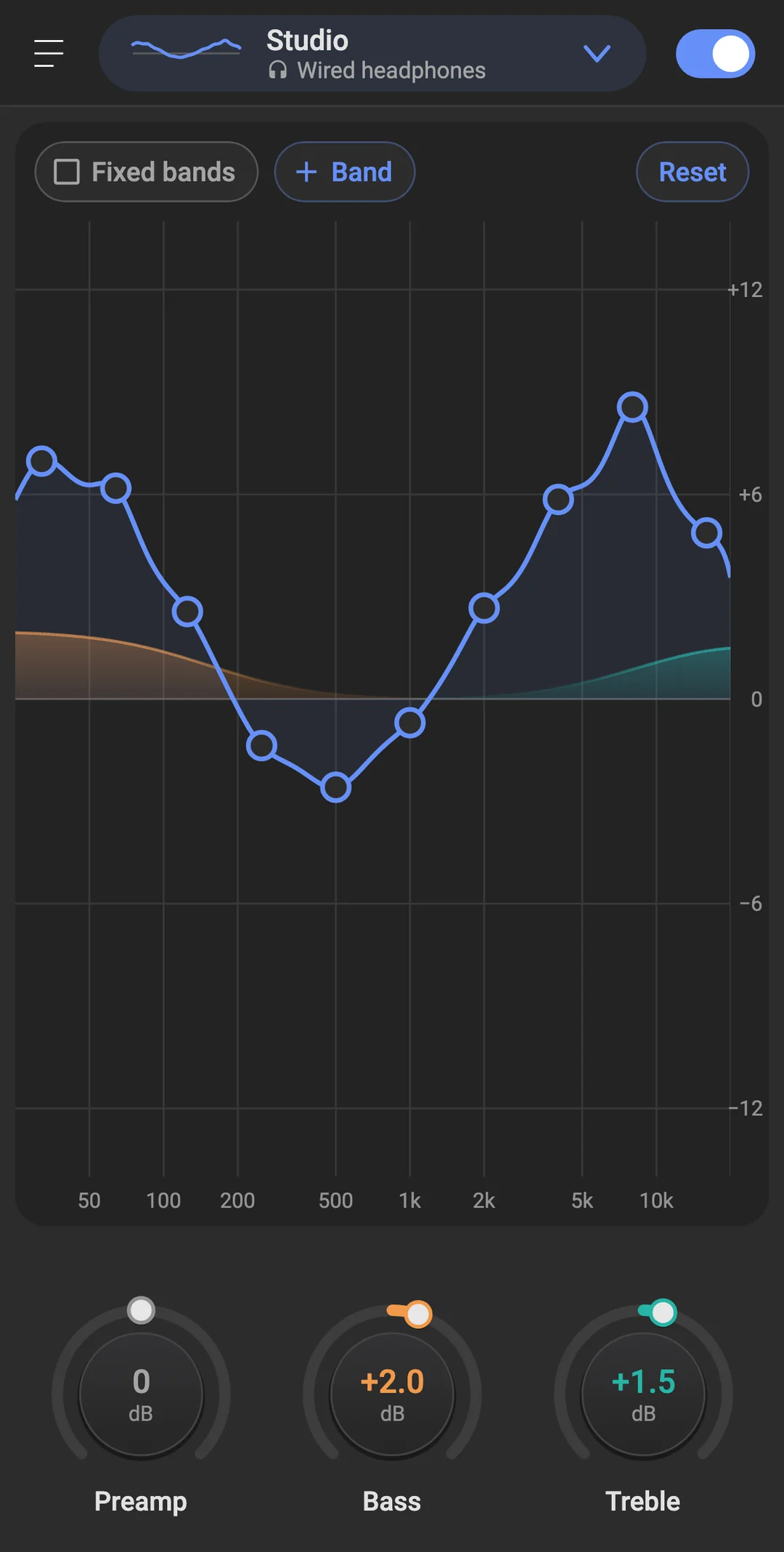
Known players lists the apps the equalizer works for; switch any off.
Studio quality, with Bass and Treble knobs and prebuilt presets for your headphones model.
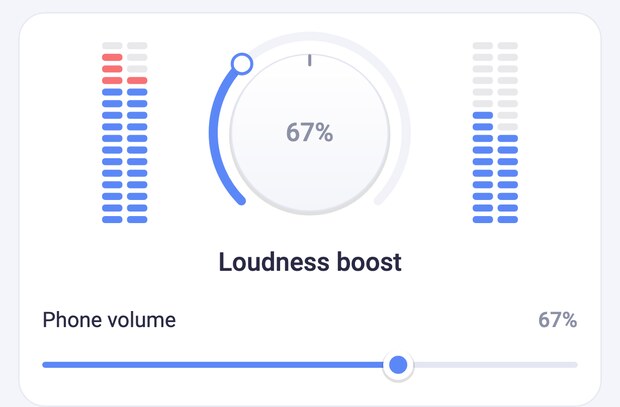
Up to 30% louder than your phone's own volume.
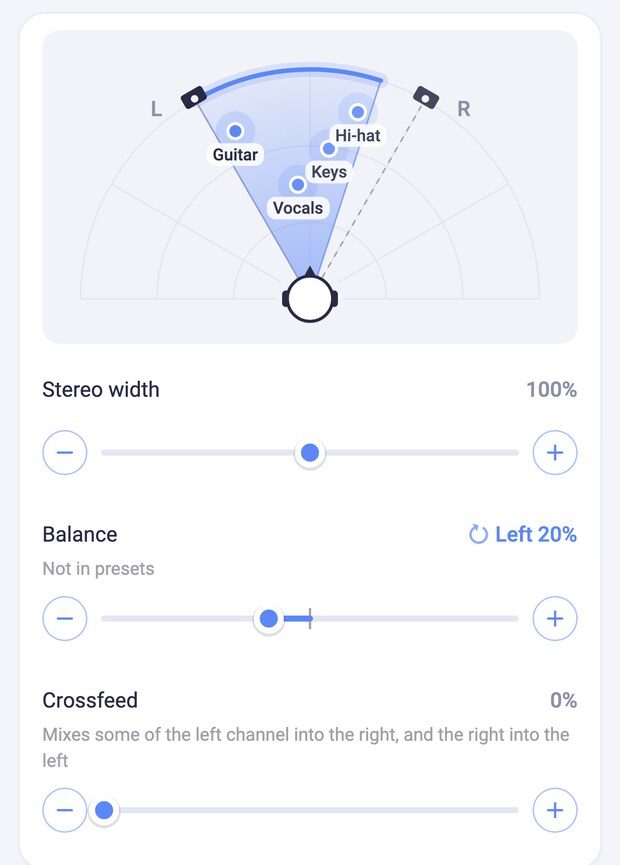
Stereo width and 3D space, plus balance and crossfeed.
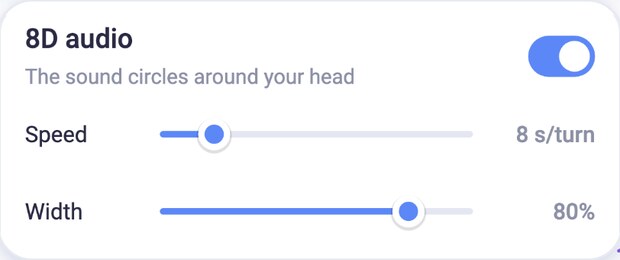
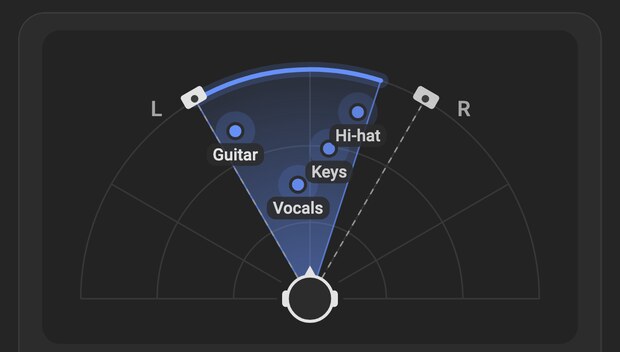
Set the speed and the width, and the sound turns around you.
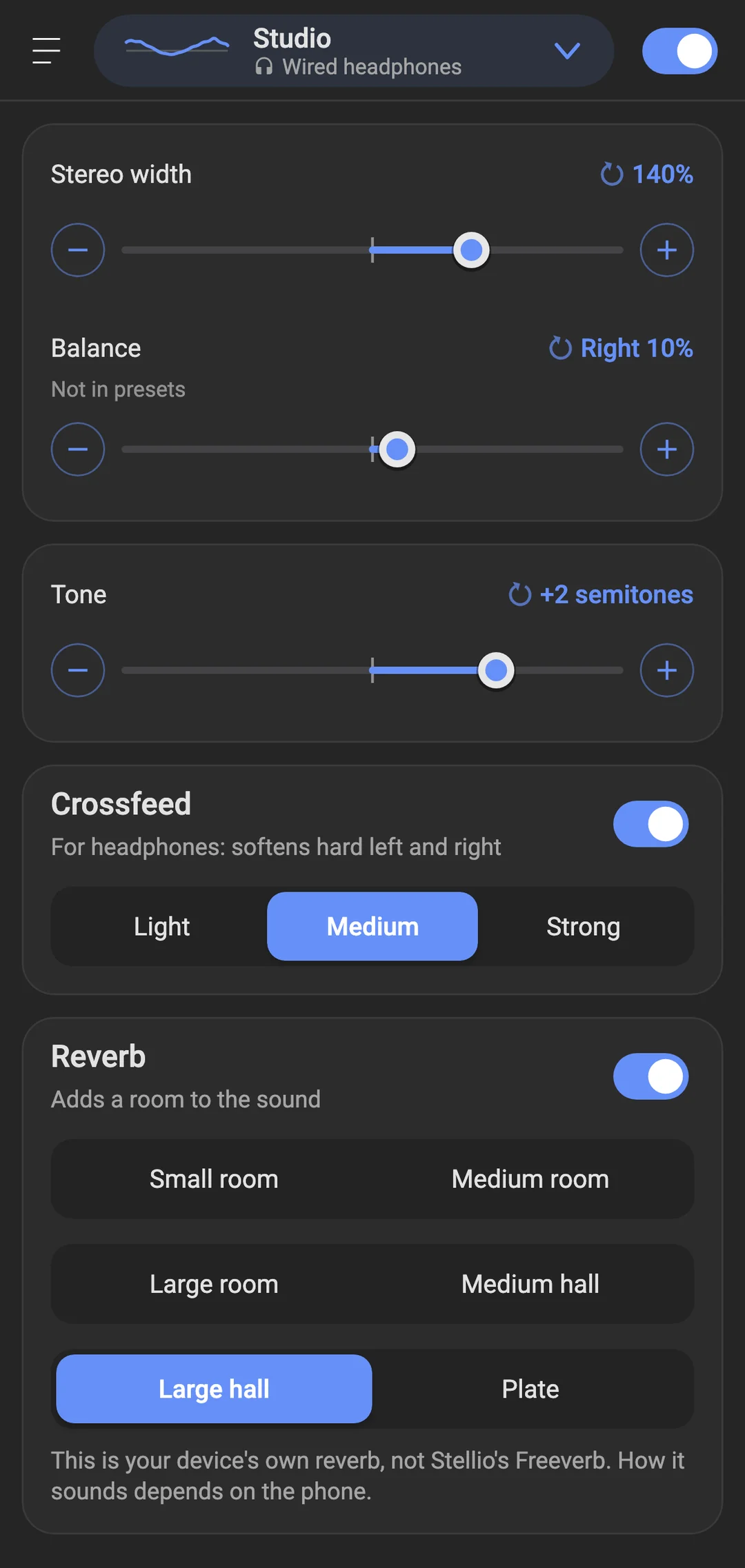
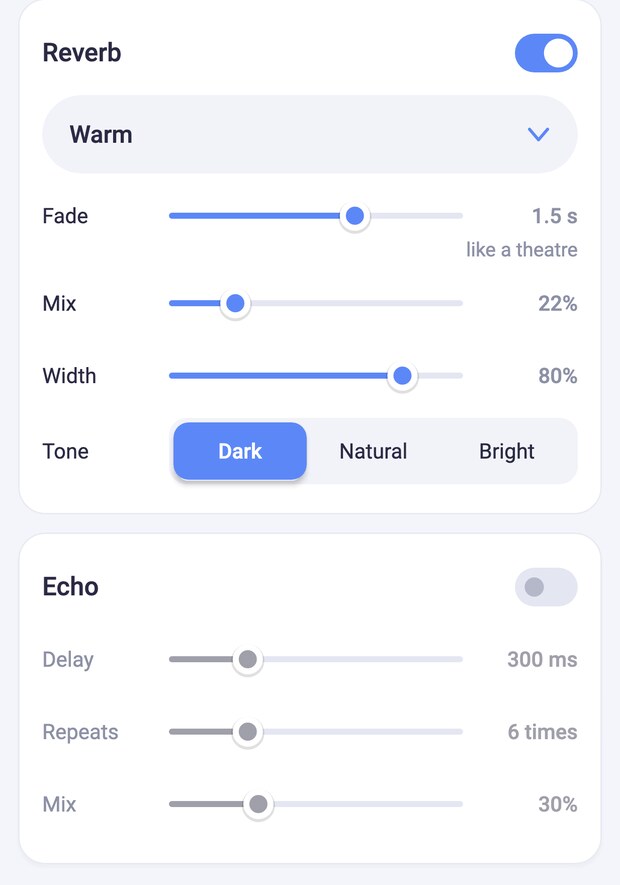
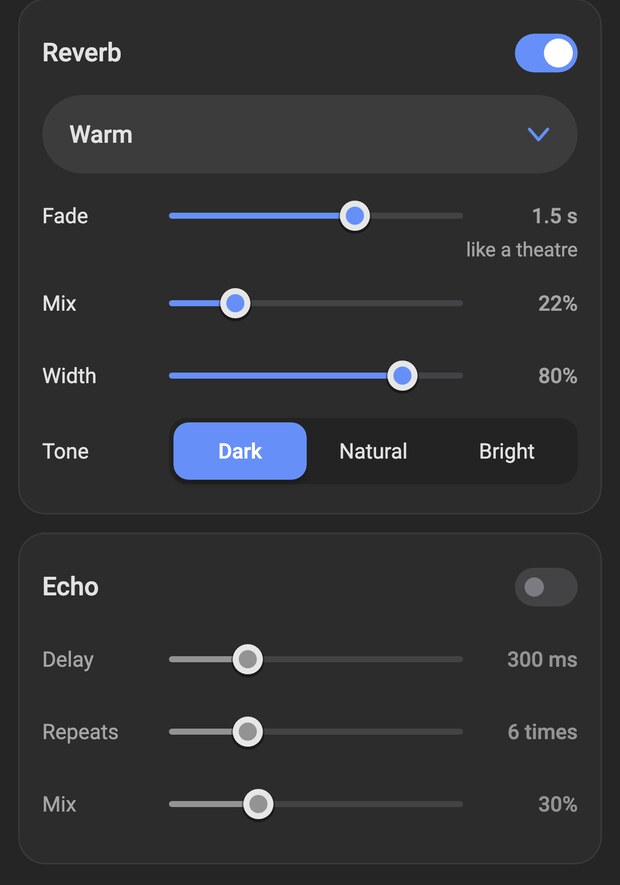
Reverb from a small room to a cathedral, an echo, and Tone with Shizuku.
Compressor, auto volume and limiter: no jumps, no distortion.
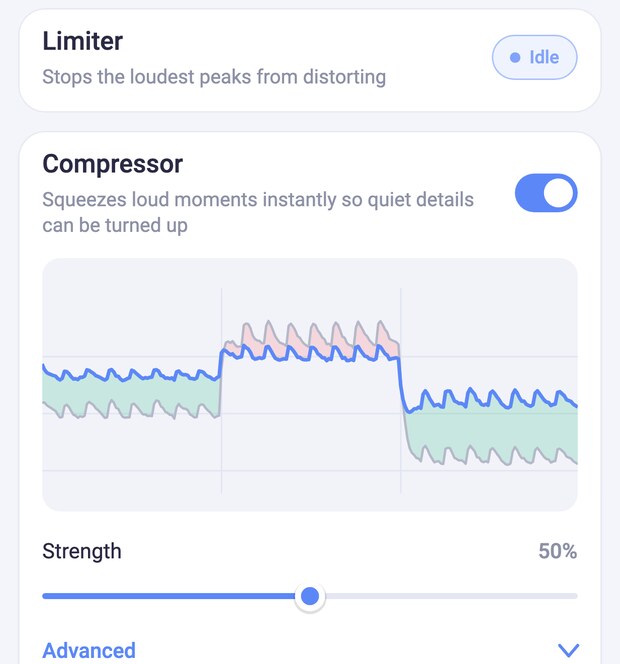
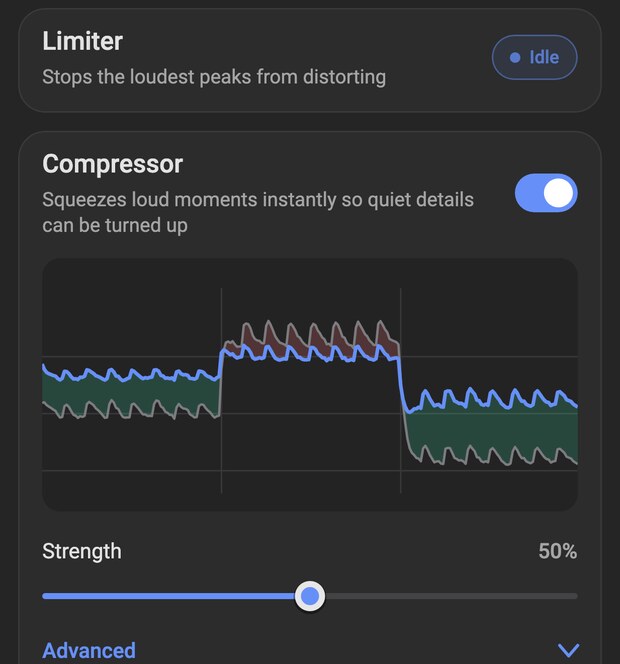
Four are free. The full version opens the rest.
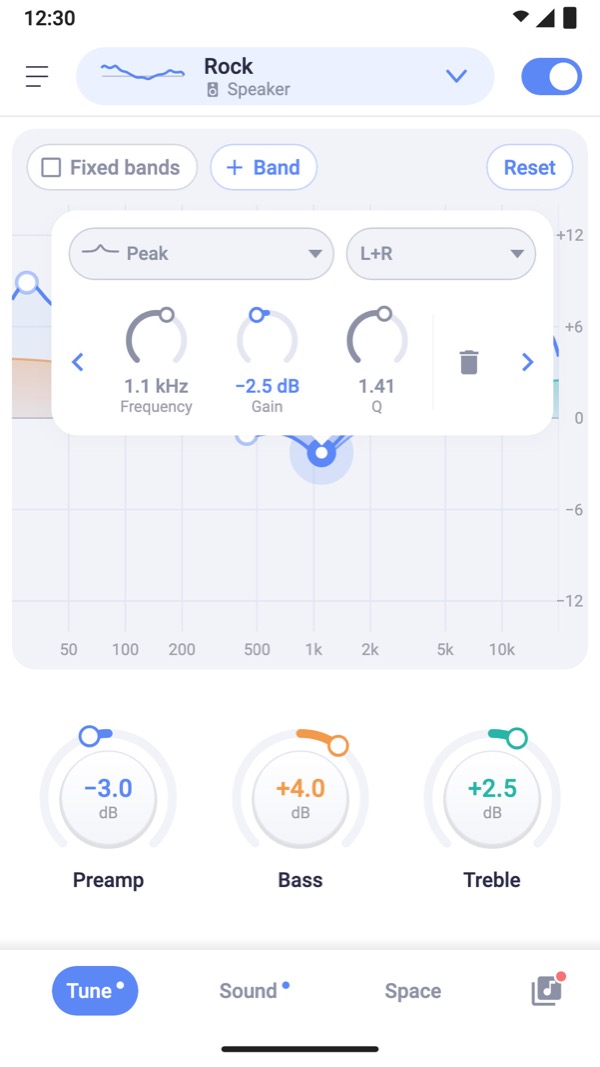 jFrostFree
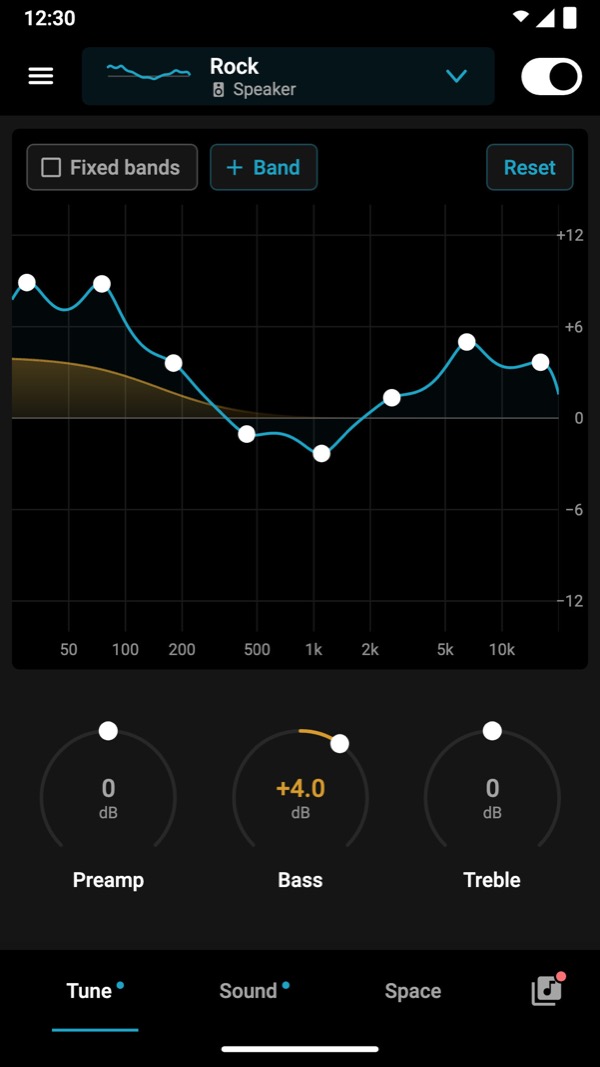 ClassicFree
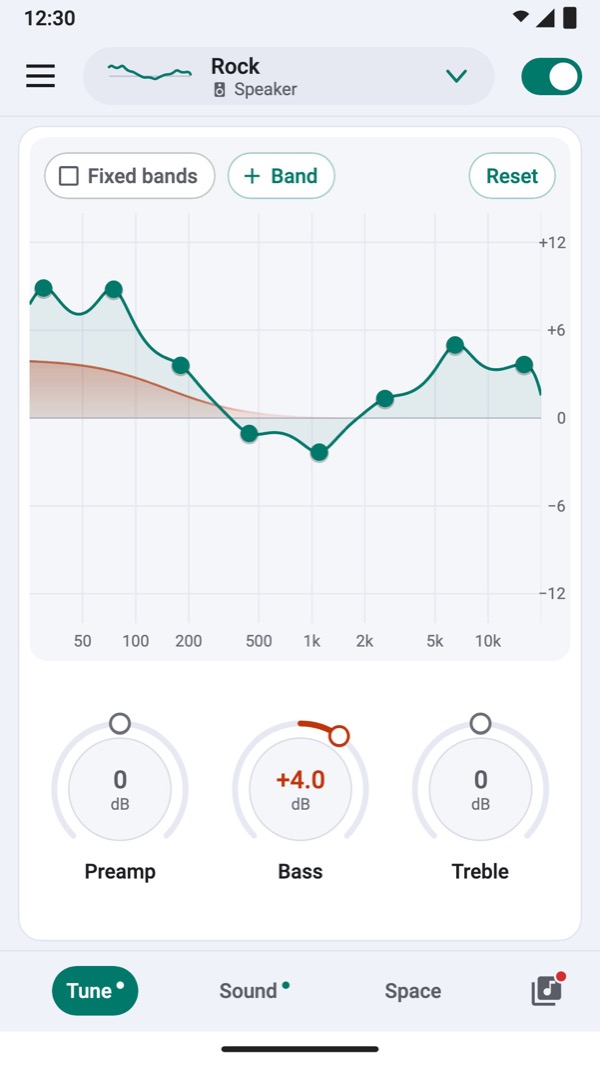 MaterialFree
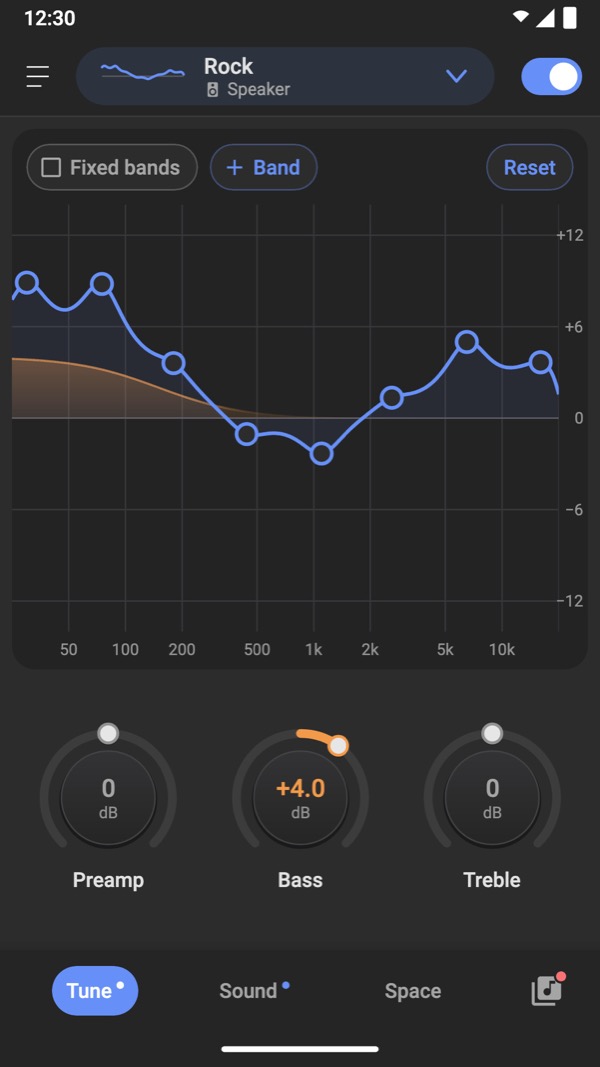 BlackFree
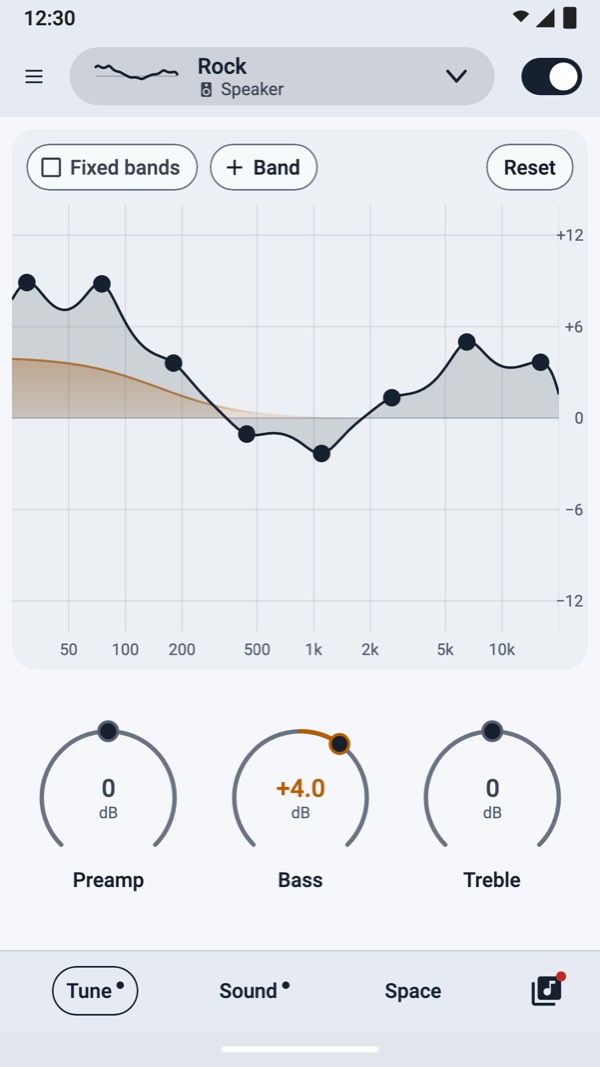 ExoBlurFull version
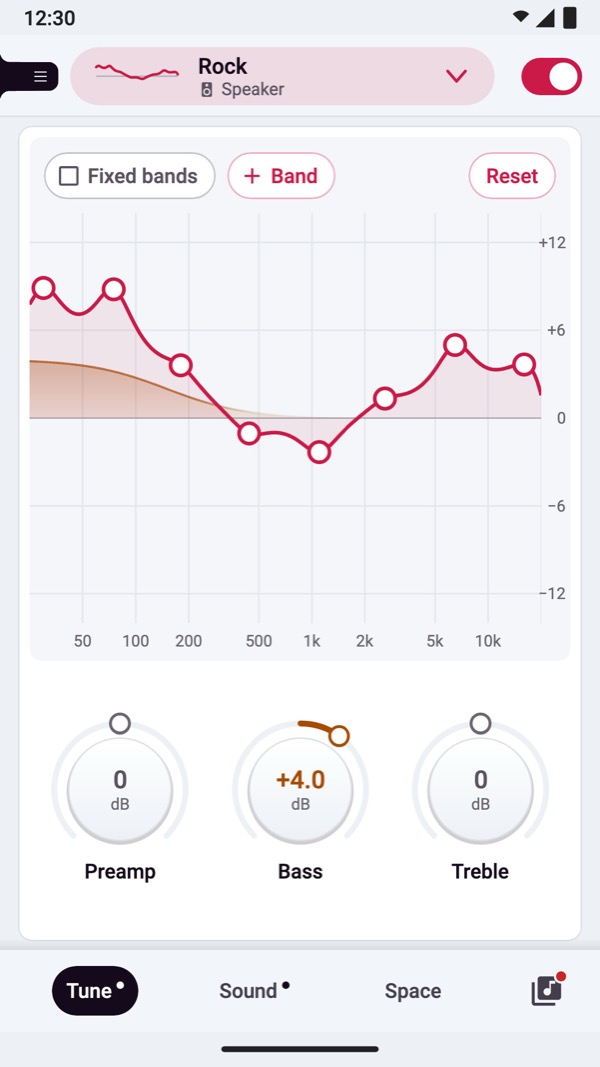 TheGrandFull version
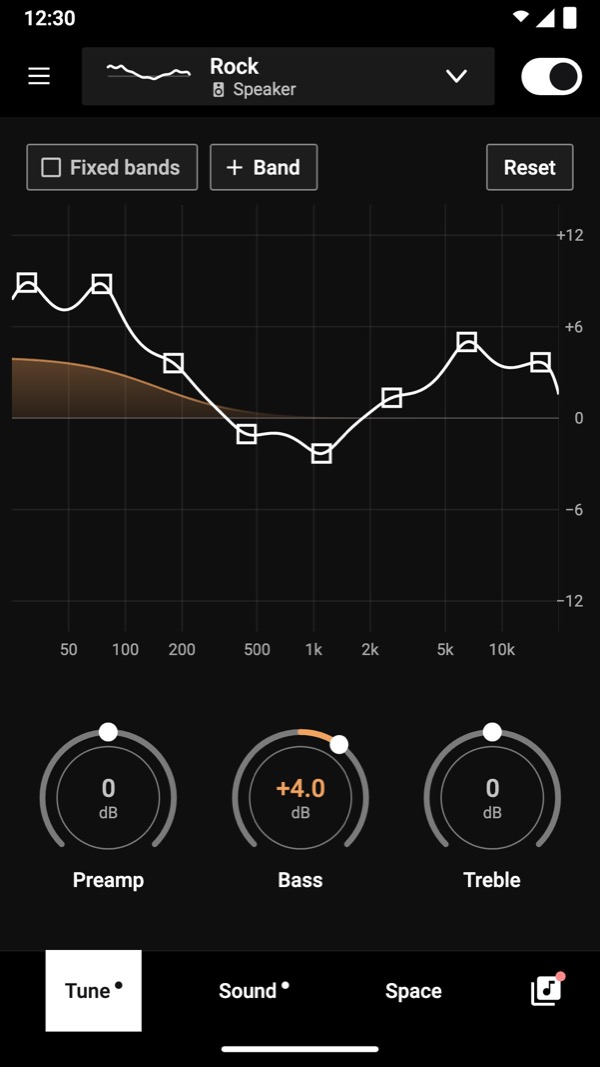 FlatFull version
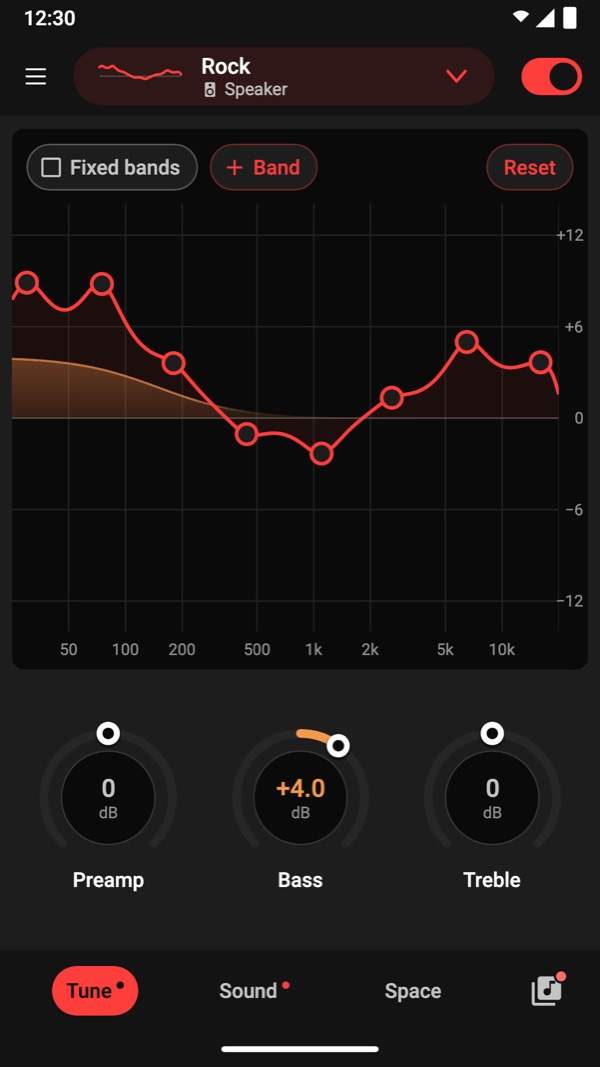 RedlineFull version
An equalizer for the music apps on your phone.
Follow updates of other Stellio products and platforms, talk with other listeners, ask for new features and bug fixes.
Please use Restore code: pick the app, and we mail its codes again and unbind them. Enter one on the new device right away.
Log in to your Google Play account on this device and reopen Stellio Equalizer: the purchase is applied automatically.
Still not active?
Apps like Lucky Patcher can block the licence check. Nothing helped? Email us from the email of the Google account you bought with.
If you bought it on Google Play:
If you have an activation code:
Open Stellio Equalizer on the other device, tap I have a code and enter the same code.
Buy Stellio Equalizer on Google Play, then email stellio.play@gmail.com from the email of the Google account you bought with: we'll send you an activation code to enter in the app. Can't buy on Google Play? Email stellio.play@gmail.com as well.
Try these in order:
The ways the equalizer reaches other apps' sound, and what each needs: How the equalizer finds players (in the app).
Turn Sound Assistant off, or at least its own equalizer: two equalizers on one sound fight each other.
In Sound quality and effects, set UHQ upscaler to "Bit upscaling only". Its other modes play past the equalizer.
In Developer options, turn it on as well. Without it the phone refuses the permission Advanced player tracking needs.
In Developer options, turn it on. Without it the phone takes back the permission Advanced player tracking needs.
Some phones send spatialized sound past the equalizer. No change heard? Turn spatial audio off and try again. While Global equalization is in use, only spatialized sound gets the equalizer.
A direct or hi-res output plays sound past every effect, and a USB DAC playing bit-perfect takes no effect either, so the equalizer cannot reach them. Turn direct, hi-res or bit-perfect output off in the player or the phone's settings, or pick another output.
Some phone makers (Samsung, Xiaomi, Huawei, OnePlus and others) close apps running in the background to save battery, so Stellio Equalizer stops after a while.
To stop it:
Android can also refuse to start Stellio Equalizer's background run: it works while the app stays open, and opening the app tries again.
On the Shizuku path, the app it takes plays a tenth to a fifth of a second later: in videos the picture can run ahead of the voice. Nothing in the app changes that.
The free Shizuku app lets the equalizer take the sound an app plays, so every effect reaches that player: the equalizer and also reverb, echo, auto volume, stereo width and crossfeed. Your player needs no setting for it.
Off, the default path equalizes each app on its own, without those extra effects.
Once allowed, the Shizuku path switch in Settings turns it off and on.
Only the app that started playing last gets the effects: start playback in it again.
Some apps forbid capturing their sound. Known players (in the app) says so: "the app forbids capturing its sound". On the Shizuku path they play without the equalizer; turn the Shizuku path off in Settings to equalize them the default way.
After a phone restart Shizuku needs starting again; the permissions it already gave stay. Until it runs, the equalizer works on the default path and shows "Shizuku is not running": tap Open Shizuku and start it.
Shizuku no longer allows the equalizer? In Settings tap "The Shizuku path": Shizuku asks once more. If an Android update takes a permission back, the equalizer tells you with a notice: tap it to set it up again.
The equalizer works with players that support equalization. Open Settings > Known players to see which of your players it has reached. A player that is not listed has not announced itself yet: start playback in it, or try Advanced player tracking. The Shizuku path reaches it with no announcement.
A player that was already playing when the equalizer started may need a restart. Close it completely (swipe it away in the recent apps) and open it again.
Yes: turn on Global equalization in Settings. The whole output mix is equalized, not per app. Deprecated by Google and might not work on some devices.
It lets the equalizer find players that do not announce themselves. Turn it on in Settings > Advanced player tracking and give the access it asks for.
Yes. Samsung Modes and Routines lists the equalizer's actions: turn it on, turn it off and apply a preset. Add one to a routine like any other action.
Tasker and other automation apps send the broadcast io.stellio.music.equalizer.API_COMMAND to the package io.stellio.music.equalizer, with the extra cmd set to on, off, toggle or preset. A preset also needs its number in the extra id; the presets and their numbers are listed at content://io.stellio.music.equalizer.automation/presets.